
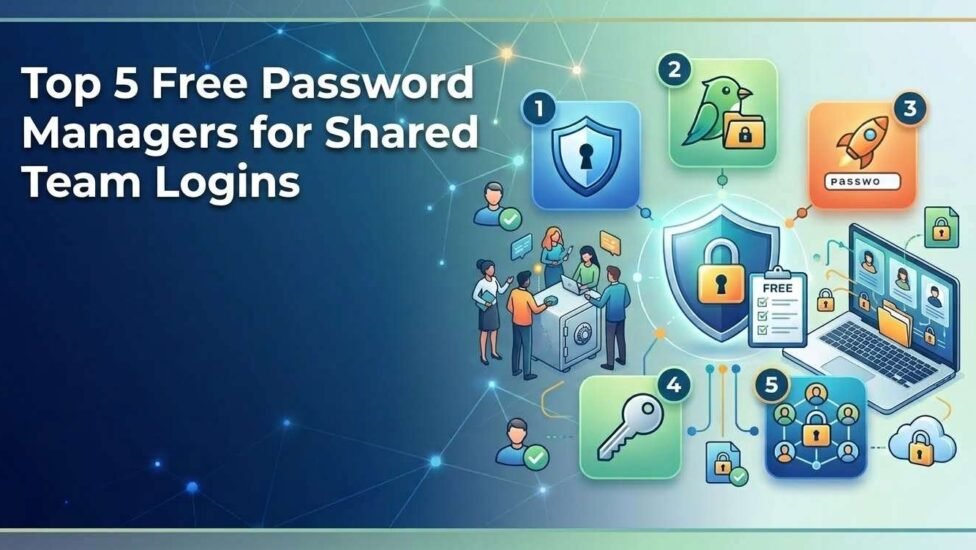
Managing team credentials efficiently without sacrificing security is one of the biggest challenges for modern startups, agencies, and small businesses. Sharing company passwords over Slack messages, email threads, or unencrypted spreadsheets exposes your organization to severe data breaches and credential theft.
A dedicated team password manager ensures that sensitive logins remain encrypted, accessible only to authorized team members, and easily revoked when someone leaves the company. In this guide, we explore the top free password managers that offer secure credential sharing for teams without breaking your budget.
The Hidden Risks of Sharing Work Passwords Over Slack and Email
Sending passwords via standard communication tools creates permanent, unencrypted records across multiple servers. If an employee’s device or chat account is compromised, attackers gain instant access to your company’s critical systems.
Key security vulnerabilities of informal credential sharing include:
-
Plain-Text Exposure: Passwords sent via chat apps or email can be intercepted or read by unauthorized third parties.
-
Lack of Access Control: You cannot restrict employees from viewing or copying the actual plain-text password.
-
Offboarding Headaches: When a team member leaves, updating every shared password manually across dozens of platforms becomes nearly impossible.
5 Best Free Password Managers for Secure Team Credentials
1. Bitwarden – Best Overall for Open-Source Security & Unlimited Items
Bitwarden is widely considered the gold standard for open-source password management. It operates on a strict zero-knowledge architecture, meaning even Bitwarden employees cannot access your encrypted data vaults.
The free plan includes support for two users to share credentials through a dedicated organization vault, making it an ideal choice for co-founders or small department leads.
-
Key Features: End-to-end AES-256 bit encryption, unlimited vault items, cross-platform syncing, and built-in 2FA support.
-
Best For: Small teams and developers looking for maximum privacy and open-source transparency.
-
Official Resource: To learn how organization vaults work, check the Bitwarden Sharing Documentation .
2. Proton Pass – Best for Privacy-Focused Teams & Encrypted Links
Developed by the team behind ProtonMail, Proton Pass offers robust encryption standards backed by Swiss privacy laws. It allows users to create secure, encrypted vaults and generate hide-my-email aliases to prevent tracking and spam.
Proton Pass includes a secure link-sharing feature that allows you to share vault items securely with team members without exposing plain-text credentials.
-
Key Features: End-to-end encrypted vault sharing, email alias generator, built-in authenticator, and zero-knowledge encryption.
-
Best For: Privacy-focused organizations and remote teams needing secure external credential sharing.
-
Official Resource: For technical details on zero-knowledge encryption, review the Proton Pass Security Model .
3. NordPass – Best User Experience & Granular Access Controls
NordPass, created by the cybersecurity experts at NordSecurity, offers a streamlined interface designed for easy onboarding. It uses the modern XChaCha20 encryption algorithm, which is faster and less prone to configuration errors than traditional encryption methods.
While full team features require a business plan, the free tier allows secure item sharing and seamless auto-fill features across mobile and desktop devices.
-
Key Features: XChaCha20 encryption, automatic folder organization, biometric login options, and breach monitoring tools.
-
Best For: Teams looking for a modern, simple interface with minimal learning curve.
4. Zoho Vault – Ideal for Small Business Workflows
Zoho Vault provides a highly functional free tier designed specifically with business environments in mind. It allows small teams to store unlimited passwords, organize credentials by project folders, and auto-login to web applications with a single click.
-
Key Features: Fine-grained access permissions, central admin controls, password assessment scoring, and browser extensions.
-
Best For: Small business teams already utilizing the Zoho software ecosystem.
5. KeePassXC – Best Local-Only & Self-Hosted Solution
For teams that prefer complete control over their security infrastructure, KeePassXC is a community-driven, cross-platform password manager that stores all data locally in an encrypted database file (.kdbx).
By placing the encrypted database on a shared local server or secure cloud folder, team members can access shared credentials without relying on third-party cloud servers.
-
Key Features: Fully offline local database, auto-type feature, password generator, and zero tracking.
-
Best For: Tech-savvy IT teams and network administrators requiring offline database control.
How to Grant Temporary Access Without Revealing Plain-Text Passwords
Modern password managers offer features that allow team members to log in to third-party portals without ever seeing the master password. Here is how to implement safe sharing practices:
-
Use Hide-Password Permissions: Set up shared folders so team members can auto-fill credentials without viewing the characters.
-
Utilize One-Time Encrypted Links: Use temporary sharing links that expire automatically after a set time or single view.
-
Enforce Two-Factor Authentication (2FA): Ensure all team accounts require a secondary authentication code before accessing shared vaults.
-
Audit Shared Folders Regularly: Periodically review permissions to ensure former contractors or offboarded employees no longer have access.
Conclusion
Transitioning away from plain-text password sharing is one of the most effective steps you can take to harden your organization’s cybersecurity. For most small teams, Bitwarden offers the most comprehensive free features with transparent open-source security. If privacy and encrypted link sharing are your primary concerns, Proton Pass serves as an excellent alternative.
By deploying a structured password management tool today, you can protect sensitive client data, streamline workflow access, and maintain complete control over your company’s credentials.
Related post: Watching TikToks Without App: Complete Guide